Finally, the pages around your product, in one place…
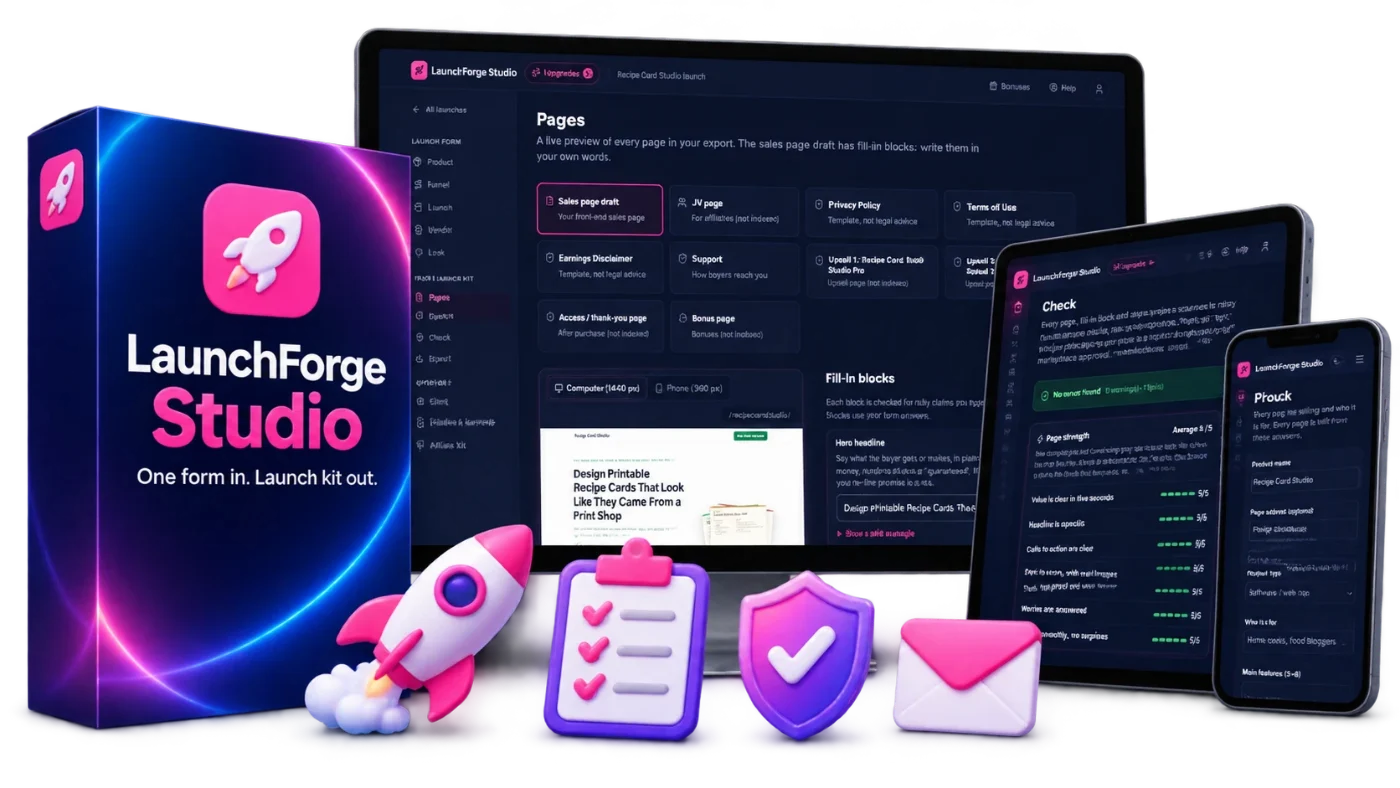
Fill in one launch form. LaunchForge builds your JV page, a sales page draft, four policy pages, five affiliate email swipes and a setup checklist, checks them for risky claims, and exports everything as HTML pages you can upload.
Included free with LaunchForge Studio today, inside the app.

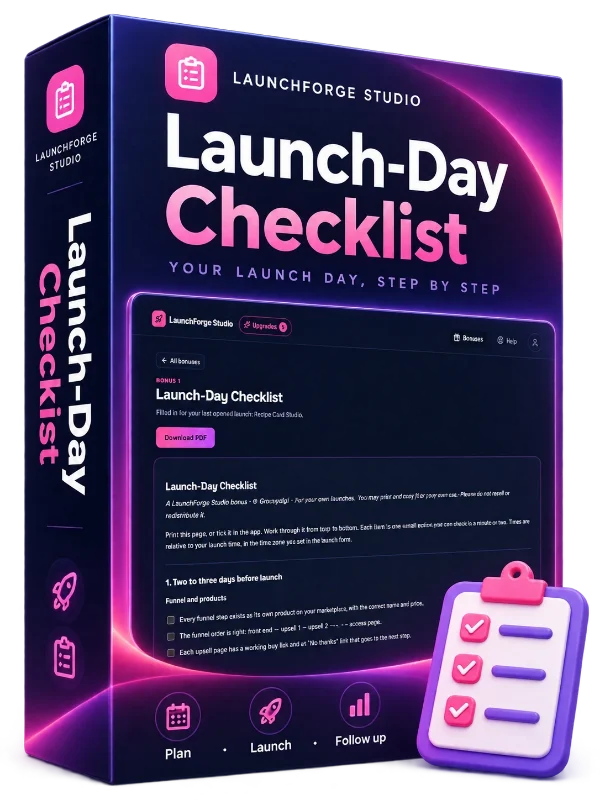
A printable checklist for the day your launch goes live, so nothing is left to memory.
$20 value
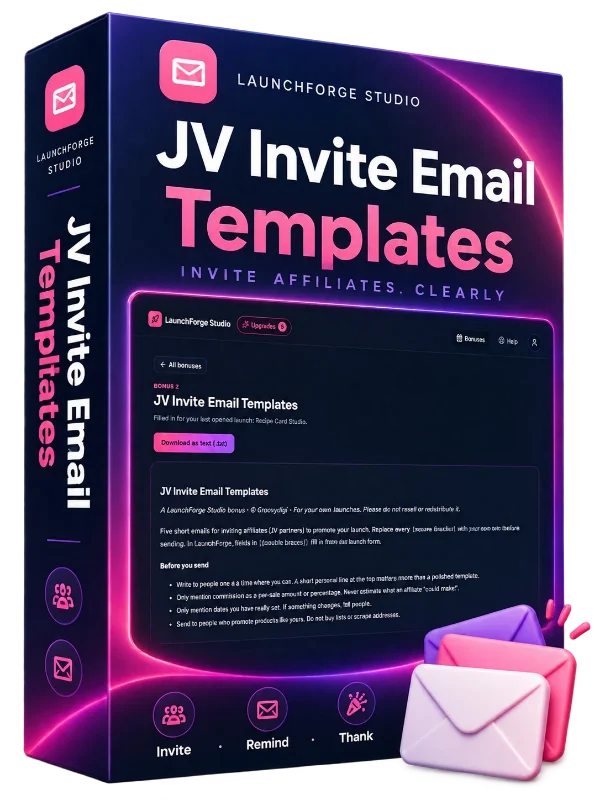
Templates for inviting affiliates to your launch, written to be clear and honest.
$20 value
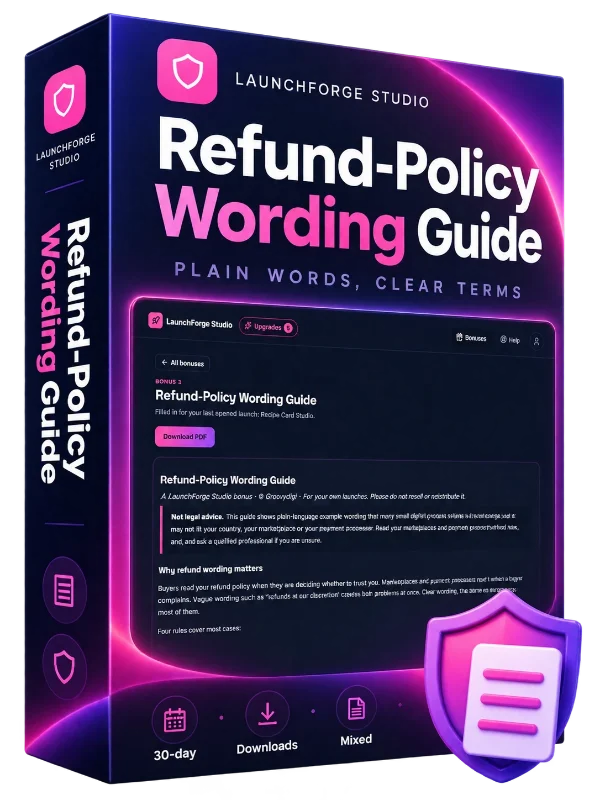
Plain guidance on writing a refund policy buyers can understand. A guide, not legal advice.
$20 value
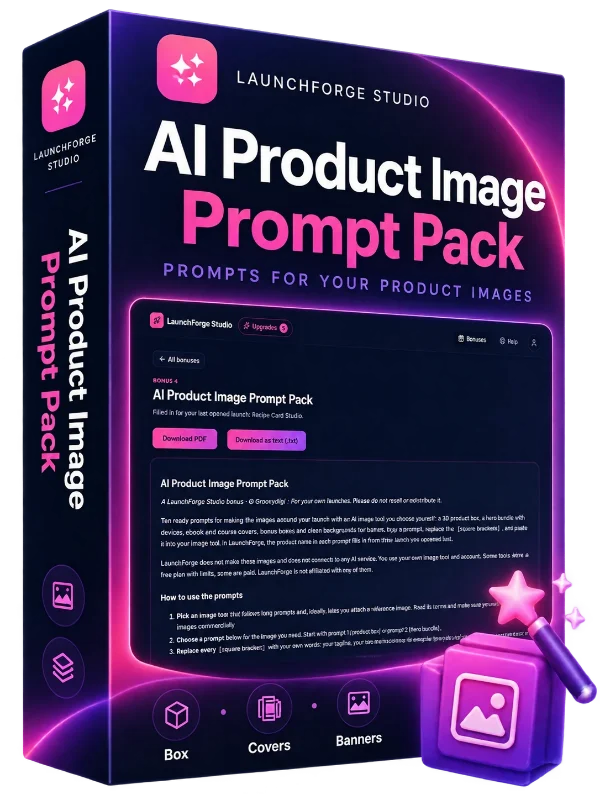
Ten ready prompts and a step-by-step guide for making a 3D product box, a hero image, covers and banner backgrounds with an AI image tool you choose.
$20 value
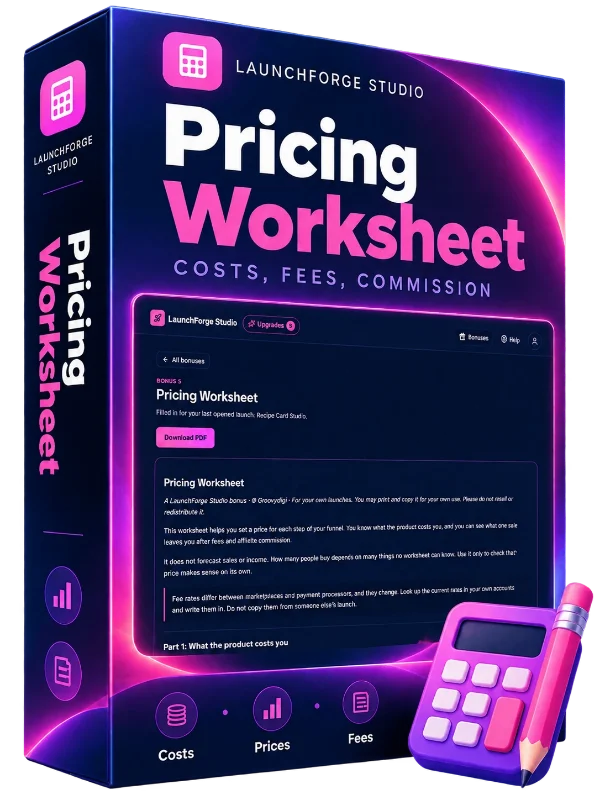
A worksheet for thinking through the price of each step of your funnel.
$20 valueYou're expected to show up with a full set of launch pages if you want affiliates to take your product seriously, but nobody hands you a list of what those pages are, let alone how to build them.
We've all been there… You finish the ebook, the course or the tool. Then you open a blank page and realize you still need a JV page, a sales page, a privacy policy, terms, an earnings disclaimer, a support page and emails for affiliates.
So you open other vendors' pages in ten tabs, copy what looks right, swap in your own name, and hope you didn't copy a line that should never have been there.

Every launch needs a set of pages and files, and it is easy to miss one until someone asks for it.
Rebuilding someone else's layout line by line takes hours and still looks borrowed.
Privacy, terms and an earnings disclaimer, written at midnight from whatever you can find.
Affiliates want ready emails, and writing five good ones is a project of its own.
An income promise or an invented deadline can slip in, and it is hard to spot in your own copy.
Even with all the words ready, turning them into pages you can upload is its own skill.
When the pages come last, the launch gets pushed back, or it goes out with gaps: a JV page affiliates can't read quickly, a missing policy link, a swipe with a subject line that reads like spam, a sentence that promises a result you can't stand behind. Each of those is a reason for an affiliate to pass, a buyer to hesitate, or a marketplace to ask questions.
A browser app that turns one launch form into the core pages and files around your product: JV page, sales page draft, policy pages, affiliate swipes and setup checklist. It uses fixed, themed templates and a rule-based claim check. There is no AI writing: you write your own claims, and the app shows you which lines need a second look.


You can see your launch pages, swipes and setup steps in one place.
You get to read the flagged lines before affiliates and buyers do.
Your JV page and swipes look organized and complete.
If you can fill in an online form, you can prepare a launch kit with LaunchForge Studio.
You've made your first product. Use LaunchForge to make the pages and files around it, with a setup checklist to work through.
Turn your guide, course or template pack into a launch with a JV page, a sales page draft and policy pages.
Describe your tool once and get the pages affiliates and buyers expect.
Keep up to 3 launch projects and duplicate one to start the next, so you don't rebuild everything each time.
No coding and no design skills. The templates and the checks are built in.
Product, funnel, prices, dates, commission, your contact details and the look. Live checks catch missing fields, price formats and dates in the wrong order.
Preview every page at desktop and phone width. Write the sales-page blocks with the guidance beside you, then run the claim check over every page and swipe. The Page strength card shows which sales-page block to fill next.
Download your pages, swipes, checklist and a README that explains how to upload. Export waits until the check shows no errors, or until you tick "I reviewed these myself".
LaunchForge runs a rule-based check over every page and swipe it makes, plus a few structure checks. It is a helper for your own review. It is not legal advice and cannot promise that any marketplace will approve your product.
More than 150 rules look for income and result promises, time-to-result promises, "guaranteed" wording, invented scarcity and timers, reference prices you can't back up, made-up reviews, implied ties to other companies, and spammy or misleading subject lines.
Every page has a footer with policy links, the JV page is set to noindex, no unfilled placeholders are left, and the close date in your swipes matches your form.
Each result shows the matched text, why it may be a problem and a suggested rewrite, grouped as error, warning or tip. Click it and the app jumps to the field, so you fix it where you wrote it.
A Page strength card scores your sales page draft from 1 to 5 on seven points, such as a clear value, a specific headline, real images and answered worries, and links each tip to the block that improves it. It is a writing guide, not a prediction of sales.
Product, funnel (front end plus up to 5 upsell rows for the JV table), dates and time zone, commission, affiliate rules, vendor details and look, in simple tabs.
Invite, product, funnel table with per-sale commissions, dates, swipes link, affiliate rules and contact, set to noindex.
Up to 12 sections in a standard sales-page order: hero with your product image and steps, problem, features with icons, how it works, who it's for, screenshots, worries, comparison, price, guarantee, FAQ and final call to action. Empty sections are left out. Each block you write has guidance and a safe example.
A 1–5 score on seven points for your sales page draft, with a tip and a link to the block to fill next.
Privacy, terms, earnings disclaimer and support, filled in with your details. Templates, not legal advice.
Pre-launch, launch day, feature, FAQ and last call (using your real close date), each with three subject options, an affiliate-link placeholder and a reminder line for the sender's details.
Marketplace steps from creating each funnel product to a test purchase and refund, with tick boxes that are saved.
Errors, warnings and tips across every page and swipe, each with a reason and a suggested rewrite.
See each page at desktop and phone width while you write.
Pick a theme and an accent color; your exported pages carry it.
Pages, theme files, swipes as text and HTML, the checklist as a PDF and a README on how to upload.
Create, duplicate and back up each project as a file to move it between devices.
No AI, no API key. Everything you type stays in your browser on your own device.
The launch form has a product type for each of these.
Describe the tool, list its features and set up the JV page for your funnel.
Turn a finished guide into a launch with all the pages around it.
List what buyers get, module by module, and prepare the swipes for launch week.
Prepare the pages for a pack of templates, worksheets or graphics.
Duplicate a project and change what's different, instead of starting again.
If you can fill in an online form, you can do this. The app builds the HTML, and the README in your ZIP explains how to upload it.
You only write a few blocks: the headline, the problem, the bullets and the FAQ answers. Each comes with guidance and a safe example to follow.
That worry is why the check exists. It points out lines that commonly cause trouble and suggests calmer wording. It can't promise approval and it isn't legal advice, but you see the flagged lines before anyone else does.
One payment. No subscription, no API key, no credits.
LaunchForge does not use AI. The pages come from fixed templates, and the words that matter are yours.
The draft has up to 12 sections, with your product image, screenshots, steps, worries and a comparison. The Page strength card shows which block is still thin, so you know what to write next.
The app makes the set for you, and the setup checklist walks through the marketplace steps.
We're Groovydigi. We build small, focused tools for people who make and sell digital products.
Every launch we prepare needs the same set of pages and files, and the same careful read for lines that promise too much. We wrote that work down as a checklist, then as templates and rules. LaunchForge Studio is that process, packed into a browser app you can use for your own launches.
It runs in your browser, keeps your details on your device and costs one payment, with no subscription.
| LaunchForge Studio web app Launch form, JV page, 12-section sales page draft with Page strength, 4 policy pages, 5 swipes, setup checklist, risky-claim check, 3 themes, ZIP export | $17 value |
| Bonus 1: Launch-Day Checklist Printable checklist for launch day | $20 value |
| Bonus 2: JV Invite Email Templates Templates for inviting affiliates | $20 value |
| Bonus 3: Refund-Policy Wording Guide Plain guidance on refund wording | $20 value |
| Bonus 4: AI Product Image Prompt Pack 10 image prompts + how-to guide | $20 value |
| Bonus 5: Pricing Worksheet Think through each funnel price | $20 value |
YES! Give Me Access Today So I Can…

Fill in a launch, preview the pages and export your kit. If LaunchForge Studio is not right for you, contact our support team within 30 days of your purchase and we will refund you. No reason needed. Refunded purchases close the account.
One launch form, the core pages and files around your product, checked for risky lines and ready to upload.